As 3D-rendered characters and props began to trend increasingly in web design, our team brainstormed ways that we could implement those elements into our own spaces. With my skills in 3D modeling and my degree in Media Arts and Game Development, I was able to help add a new dimension to characters that are now seen throughout the TRILLER mobile app and website.
A 3D mascot we’ve named Trillion (illustrated by UX Team Lead Hannah Baber) quickly became my most involved 3D project, which came with several other smaller tasks for 3D prop development. These were applied mostly to the Onboarding experience for first time users.
Team: Brandon Hadnot (UI/UX Designer, 3D Prop Artist), Luka Luzzatti (UX Design Manager) Hannah Baber, (Lead UX Designer, Illustrator), Alex Teuic (Sr. UI/UX Designer)
Project
Trillion – 3D Mascot Development, Motion Graphics How-To Tutorials
Client
Triller
What We Did
3D Modeling, Web Design, UX/UI Design, Motion Graphics, Video Editing, VFX
Illustration
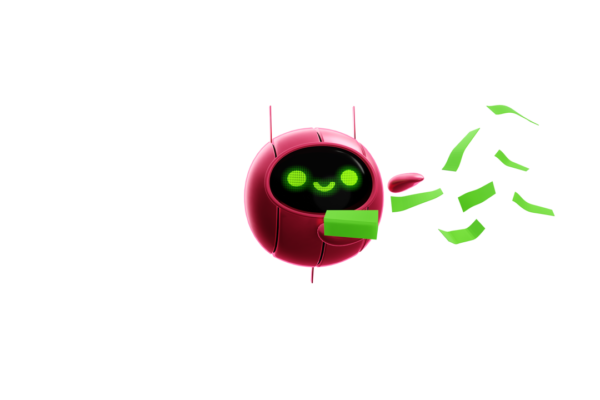
The inception of this friendly bot companion began with workshopping its name, purpose, and then its looks. These illustrations produced by my colleague (H. Baber) were the precursor to our final product of Trillion, a versatile, user-facing 3D mascot with style.

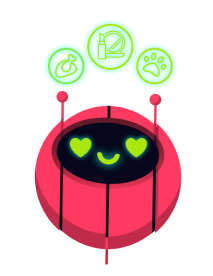
Brainstorming via FigJam
As a team, we put our heads together using Figma’s brainstorming space (called a FigJam) where we could throw all of our ideas and comments onto a board in real-time. Using the 2D Illustrations of Trillion and his emotes, I brought them into Blender (an open-source 3D Rendering Software) and started drafting. Thankfully, his core shape is geometric; it’s just a sphere. That doesn’t mean his updated design didn’t come with complications, though.
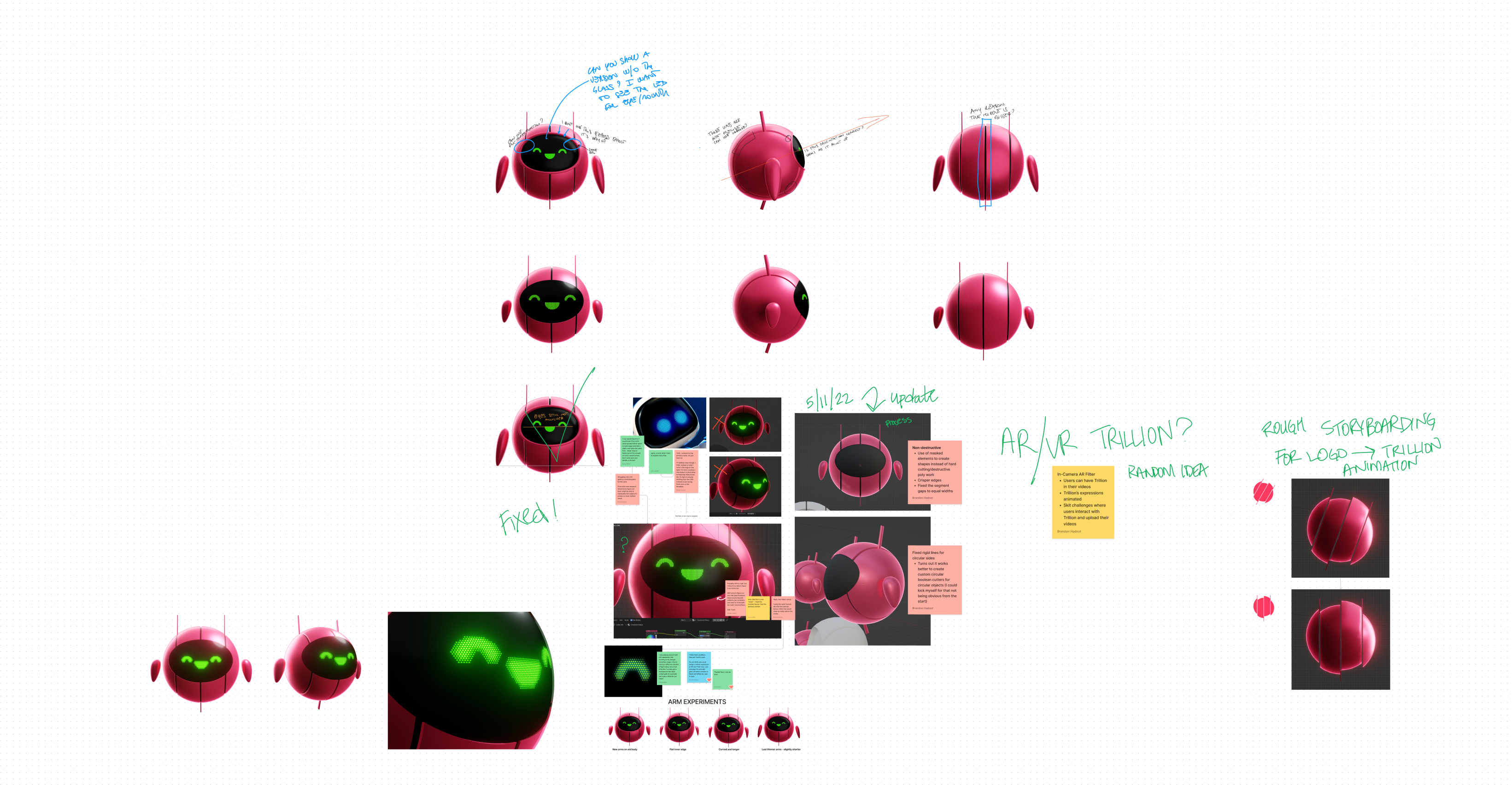
It took several passes and redos to get Trillion’s 3-dimensional look just right. His silhouette had to be balanced and easy to identify, his somewhat iridescent paint texture had to match the brand guidelines for our colors, and his emotes had to look like an actual LED display. Working on this under a tight deadline pushed my skills to the limit and forced me to grow in ways that I’m deeply thankful for. This project was ultimately my own to spearhead and finish, but everyone provided such helpful insights into the slightest imperfections that ultimately made Trillion a wonderful addition to our mobile and web spaces.
Bringing the Mascot to Life
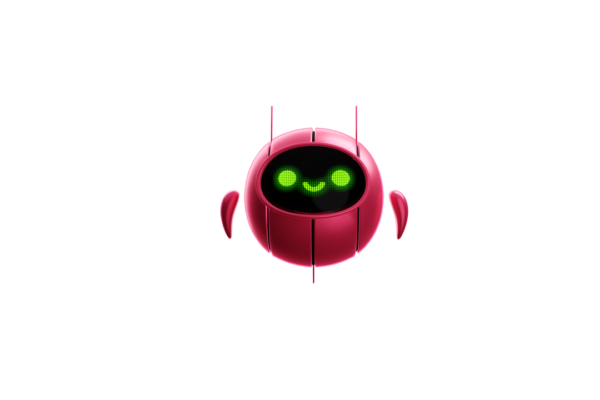
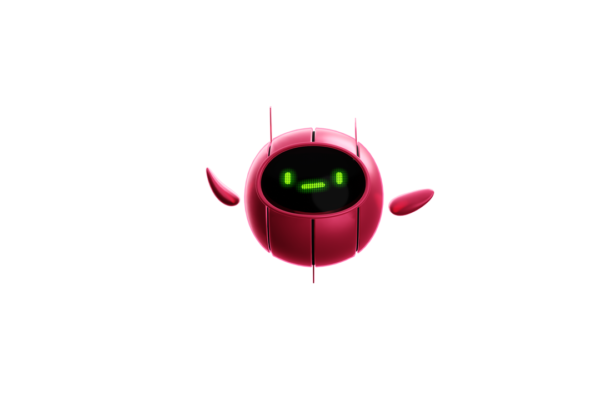
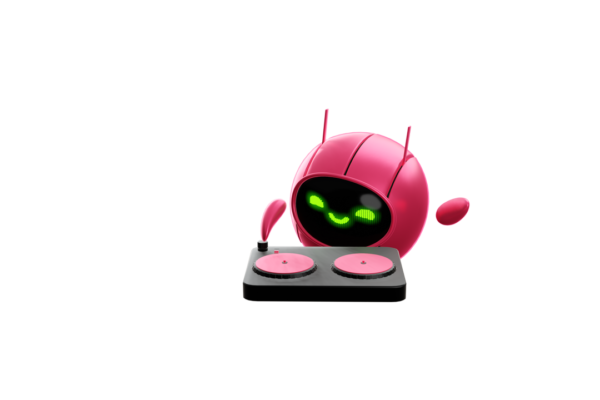
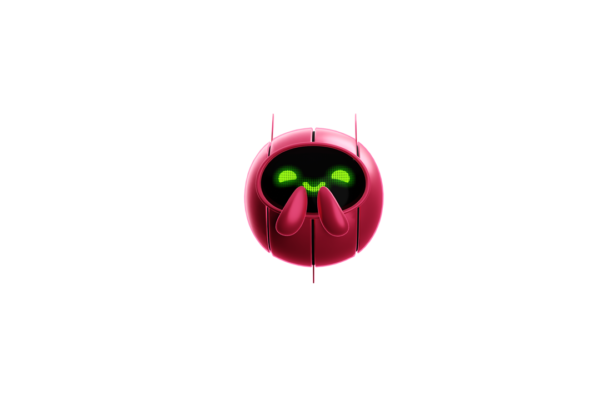
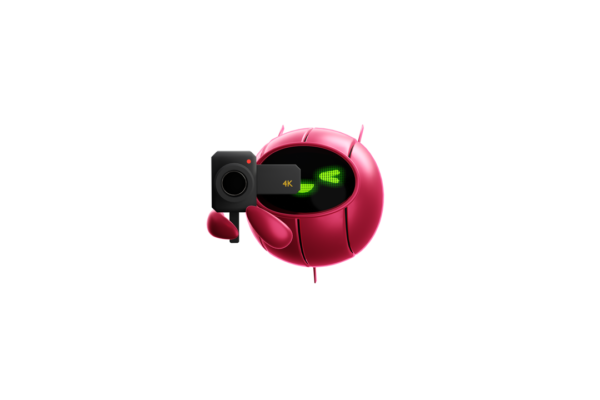
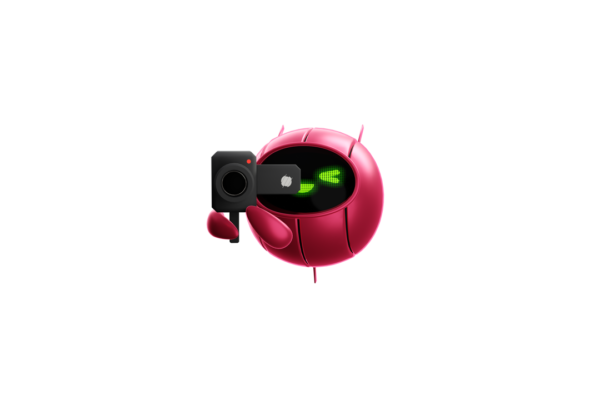
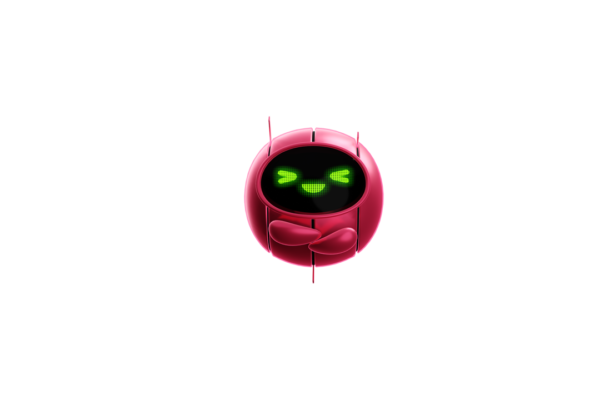
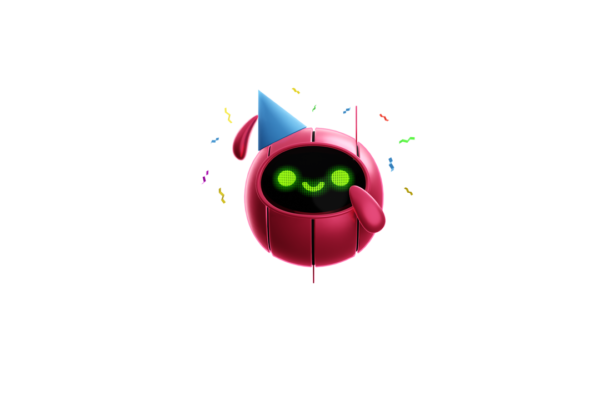
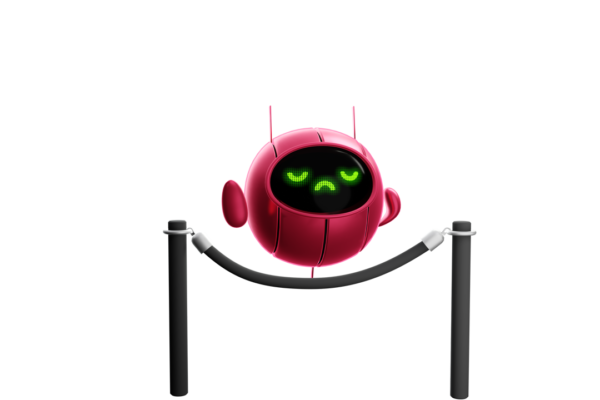
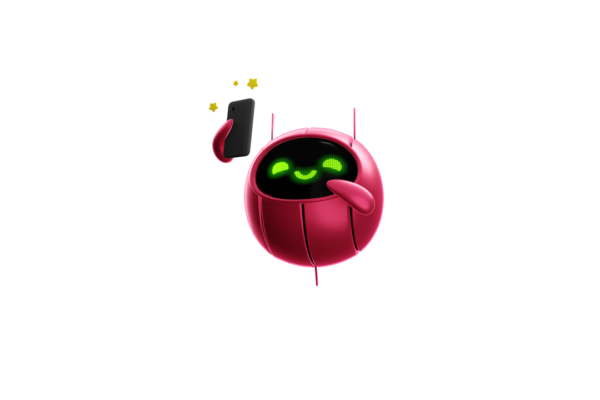
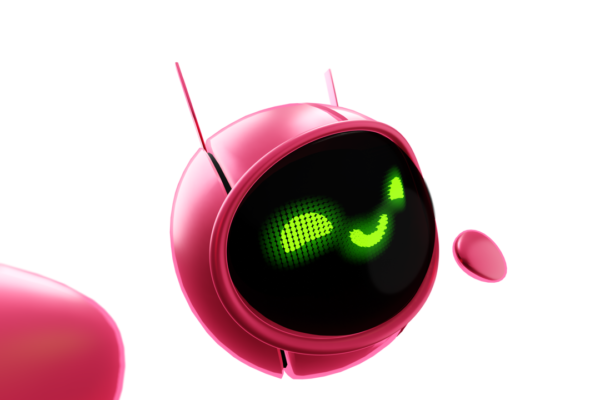
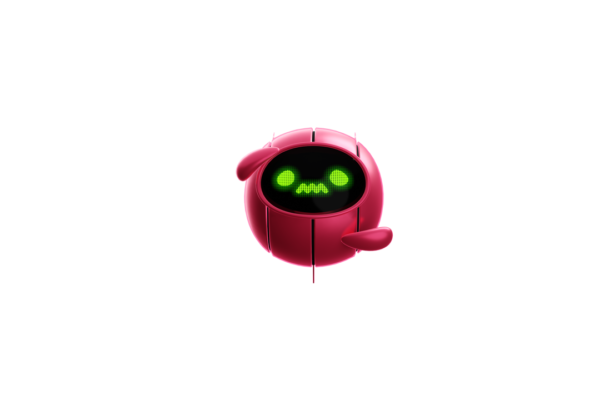
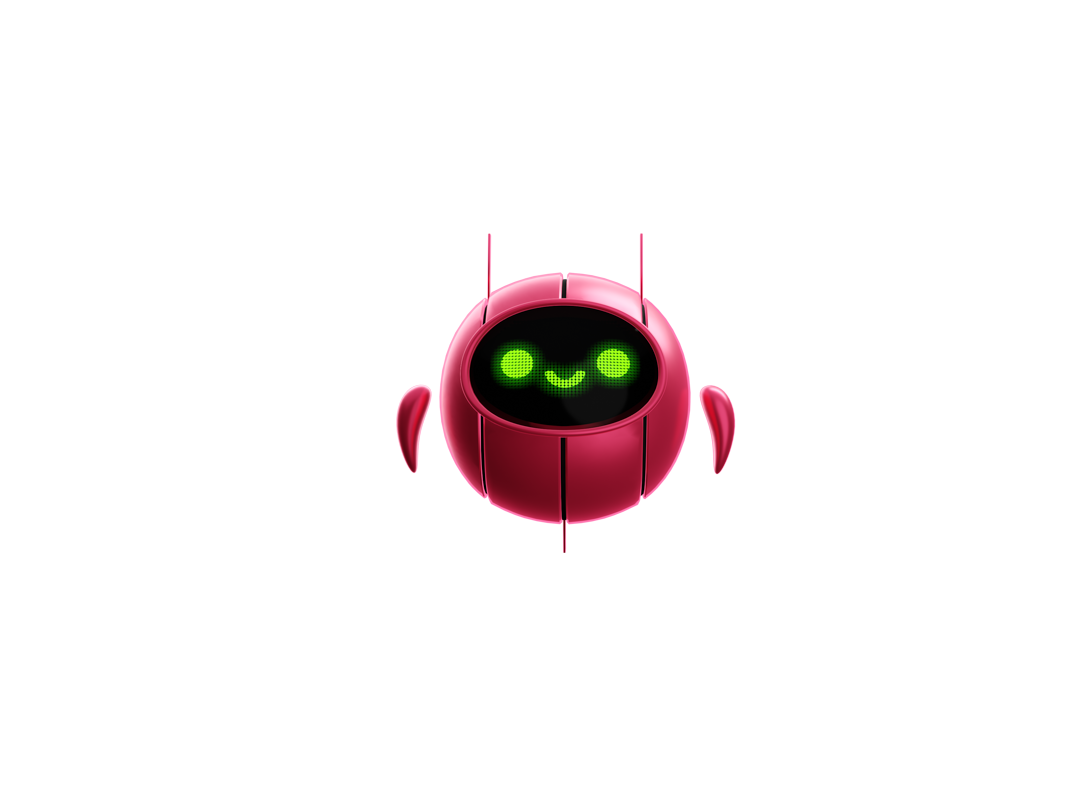
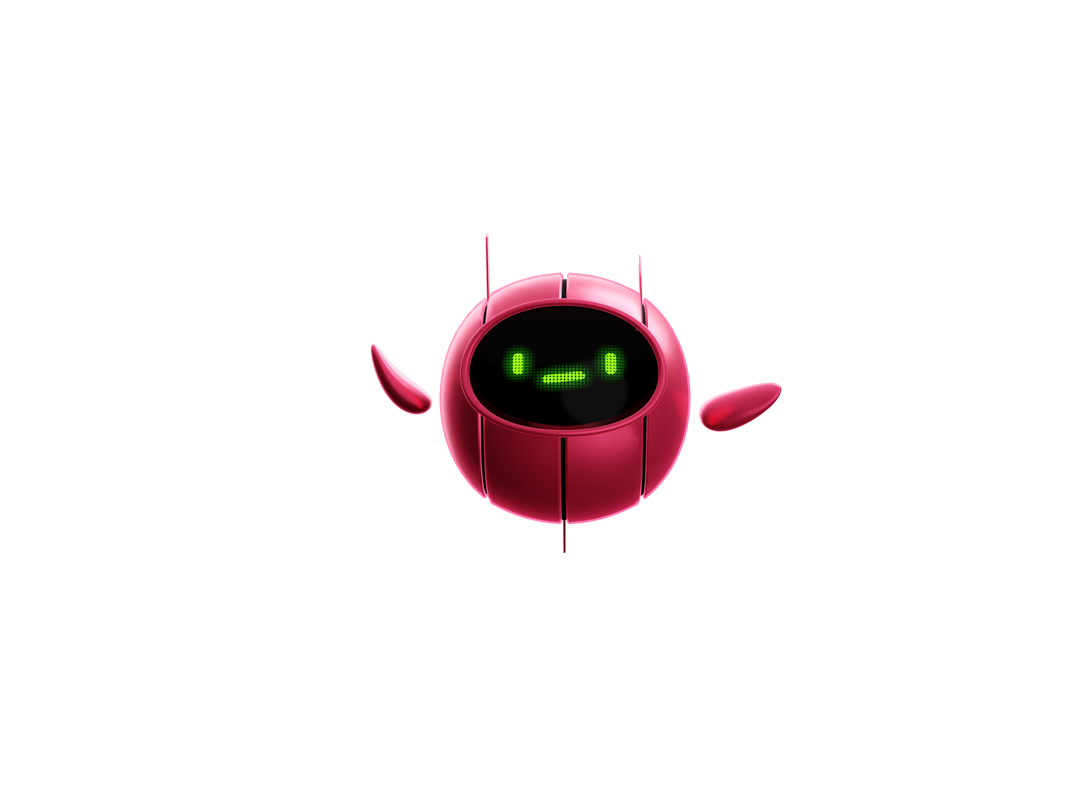
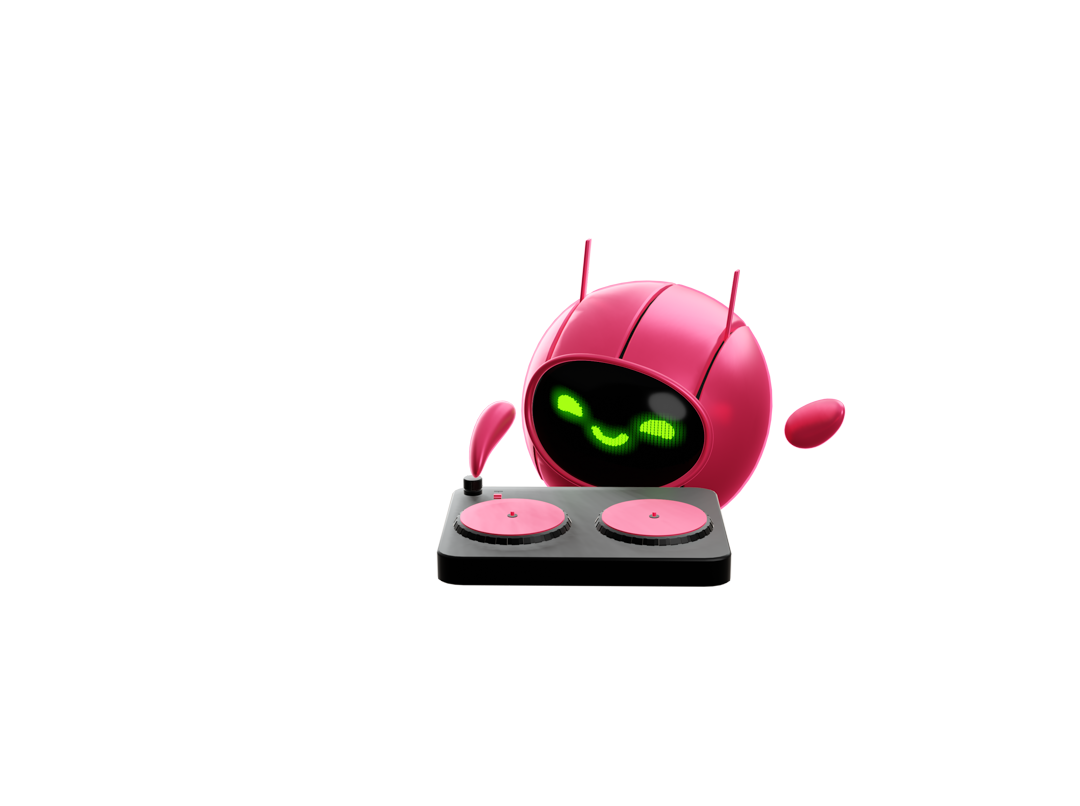
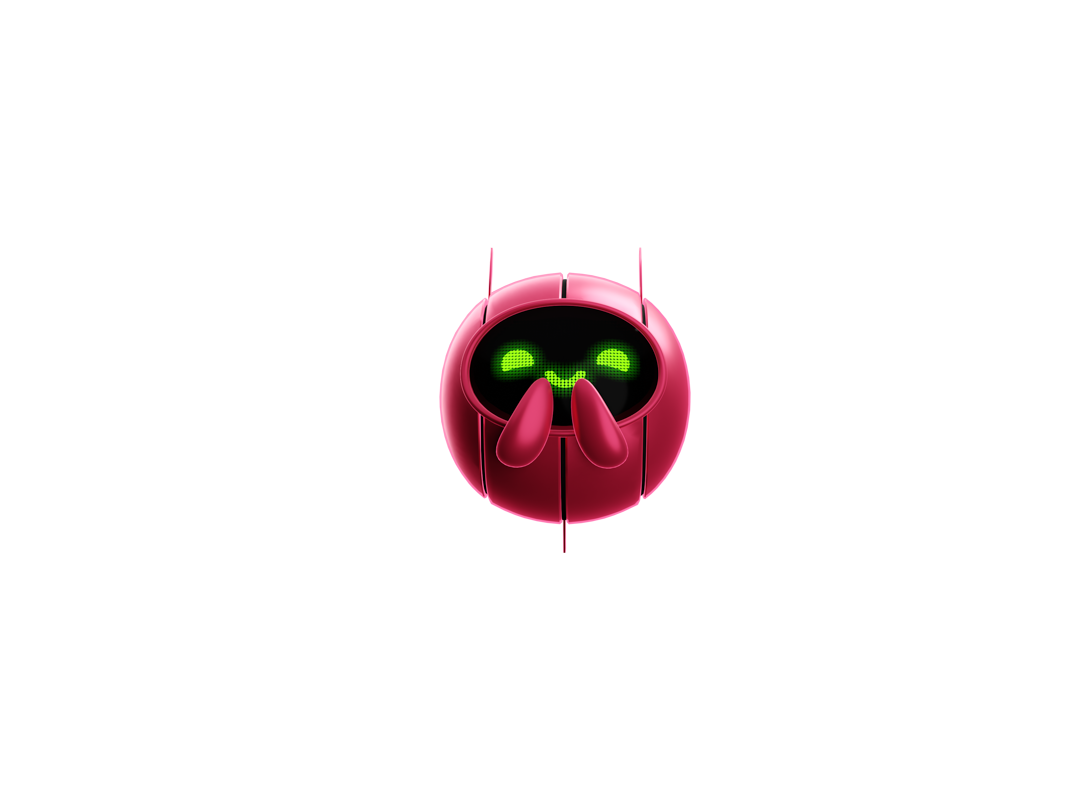
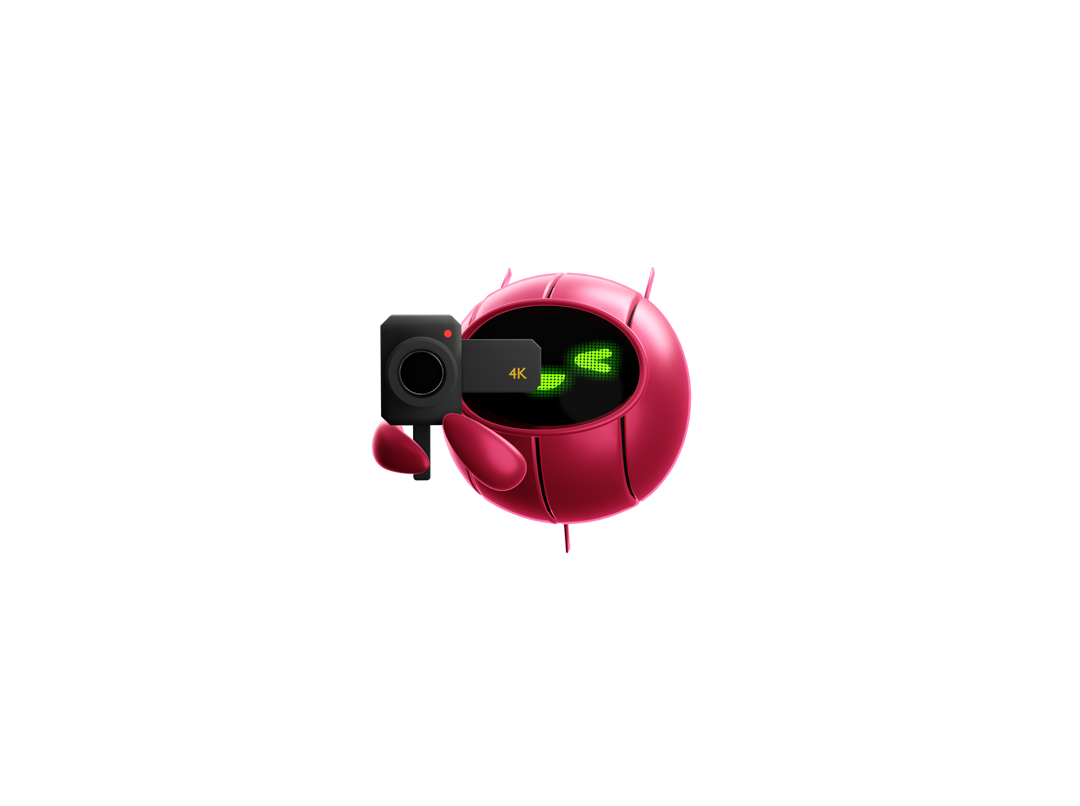
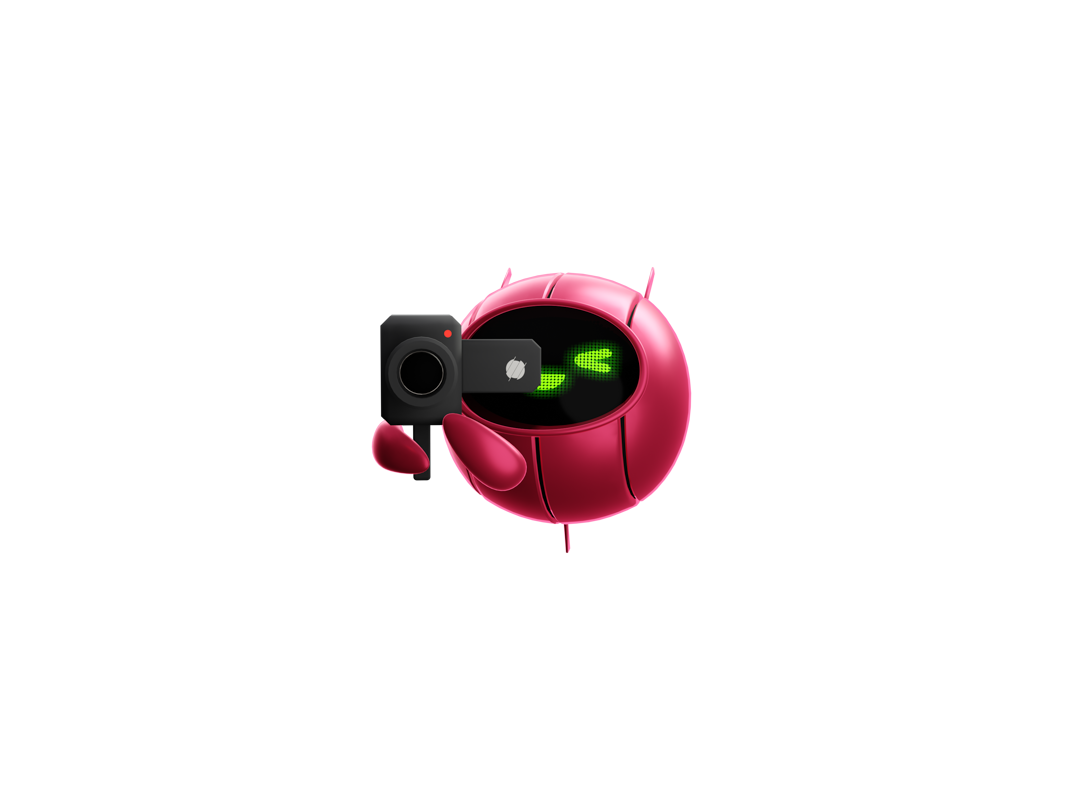
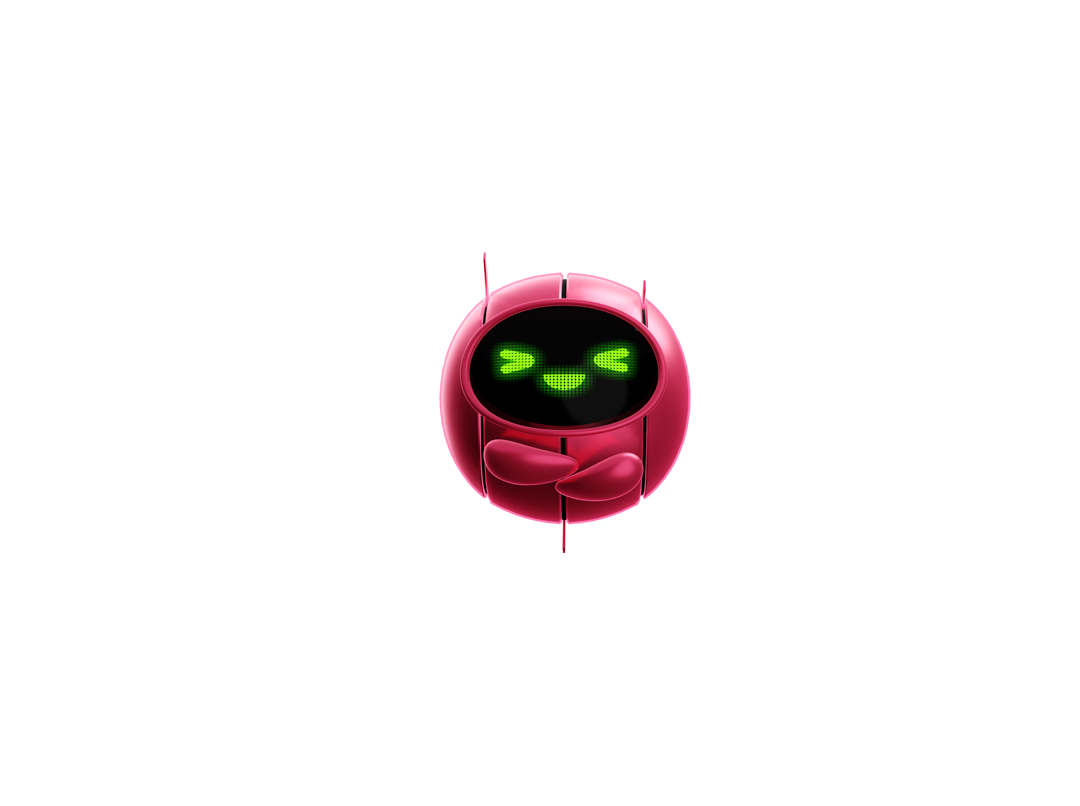
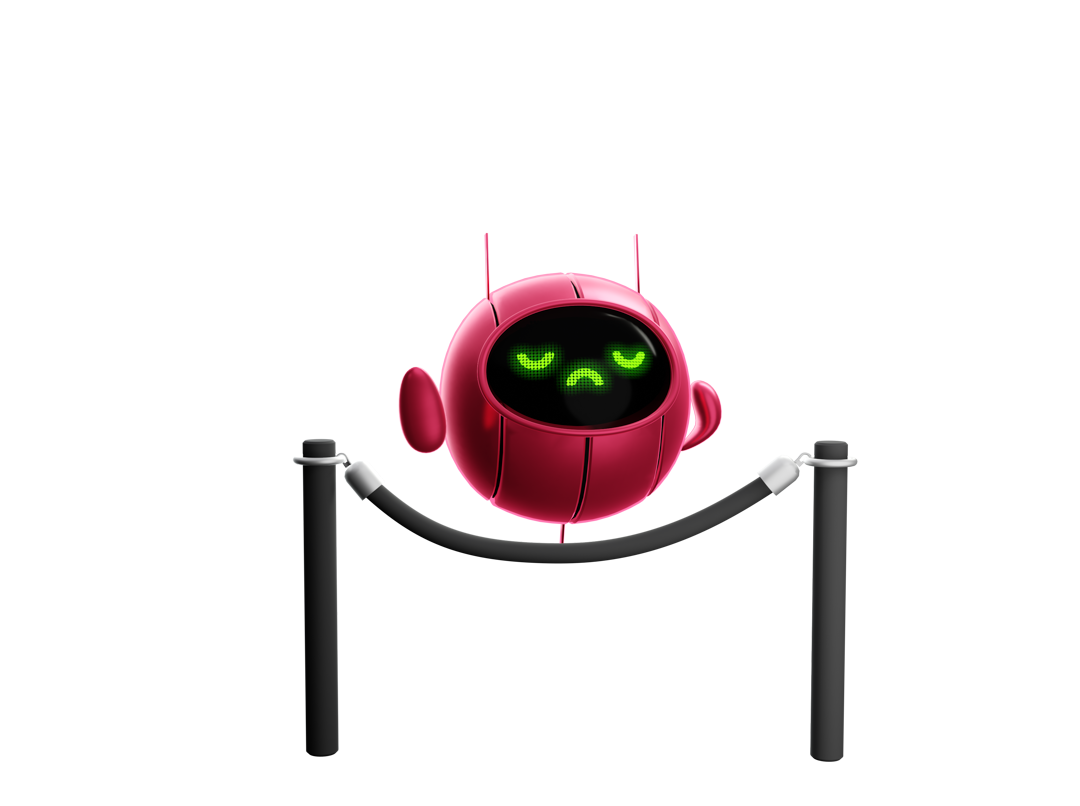
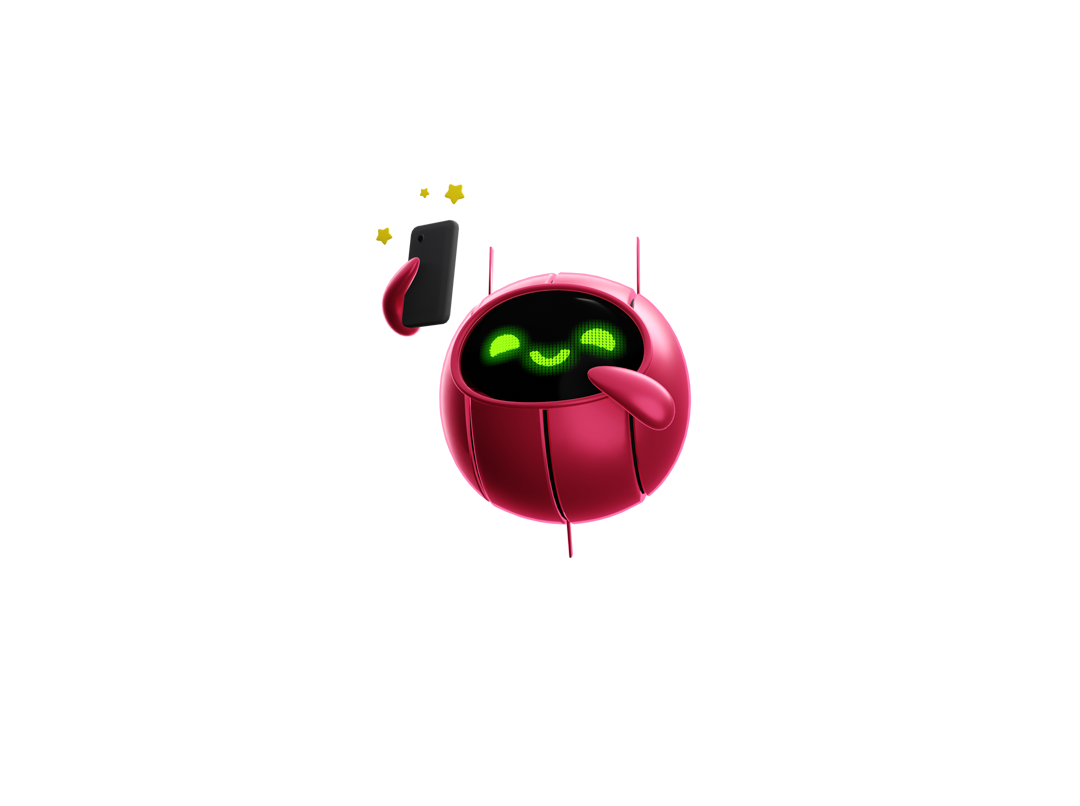
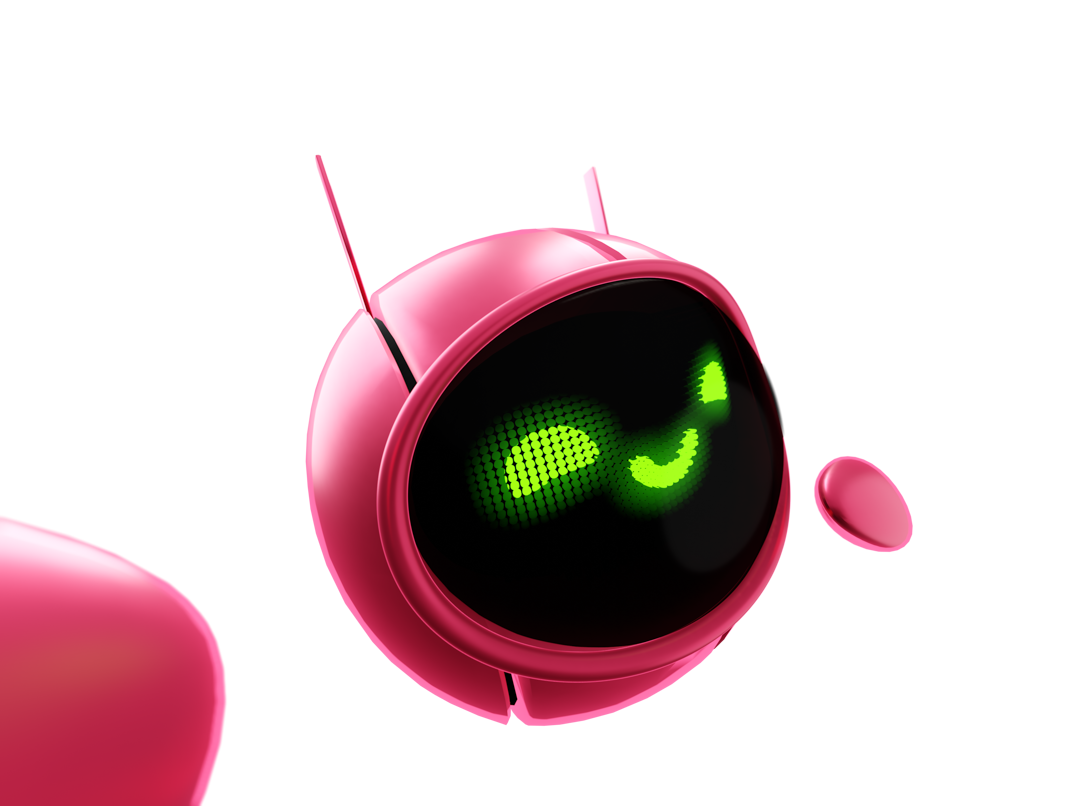
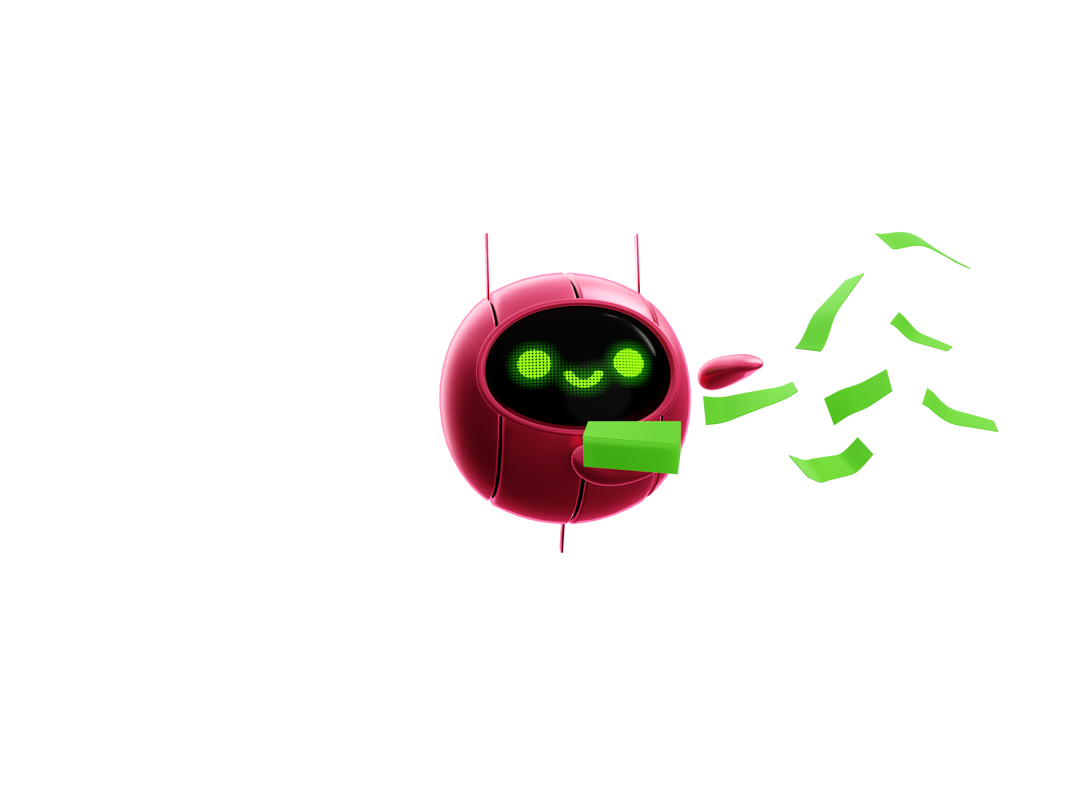
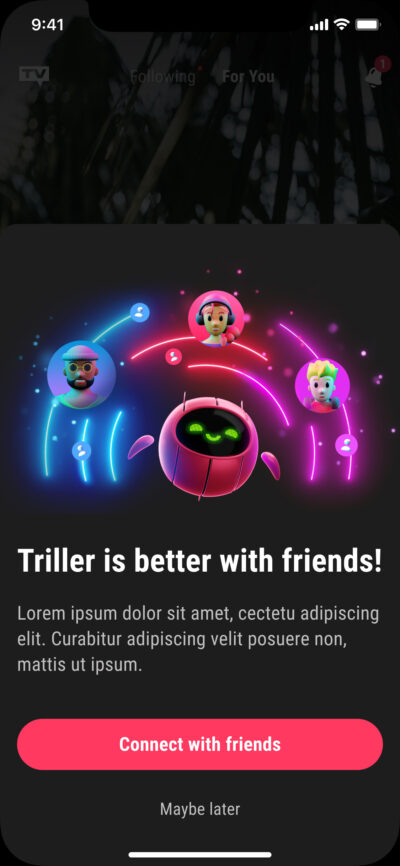
Once our team finally came into agreeance that Trillion was ready for its debut in the next big update, it became apparent that we needed a series of emotes. These poses would be used across our mobile and web spaces in empty states, pop-up modals during onboarding, and calls to action. For this task in particular, Hannah Baber (Team Lead) was a huge help in improving the LED emotes with her expressive illustrations that I was able to use in Blender as textures on the model by adding them as emission shaders.
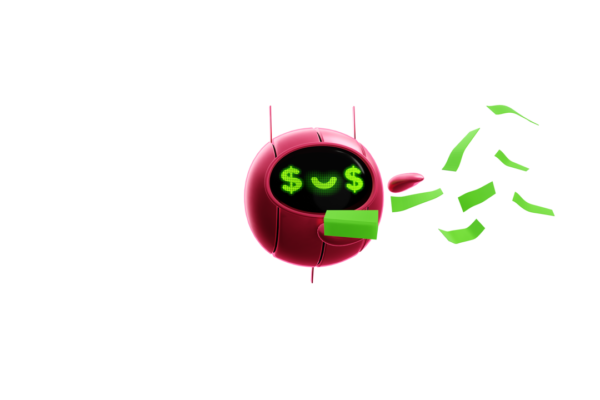
Props and Compositions
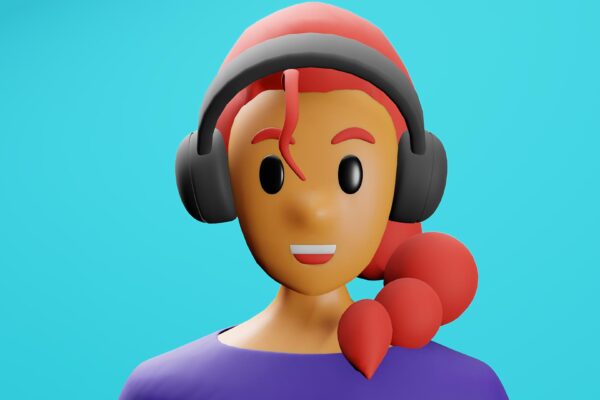
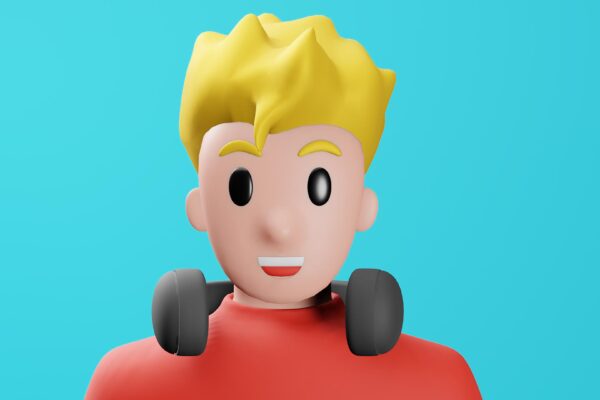
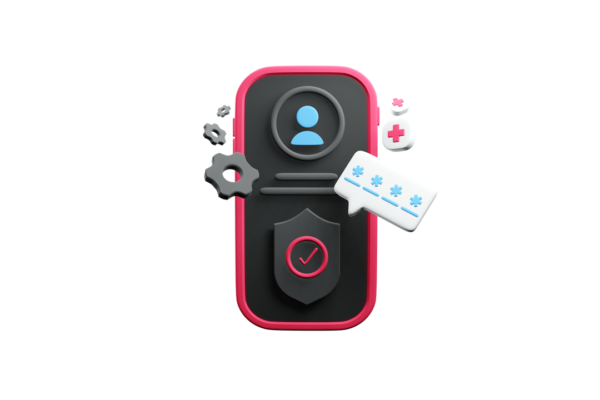
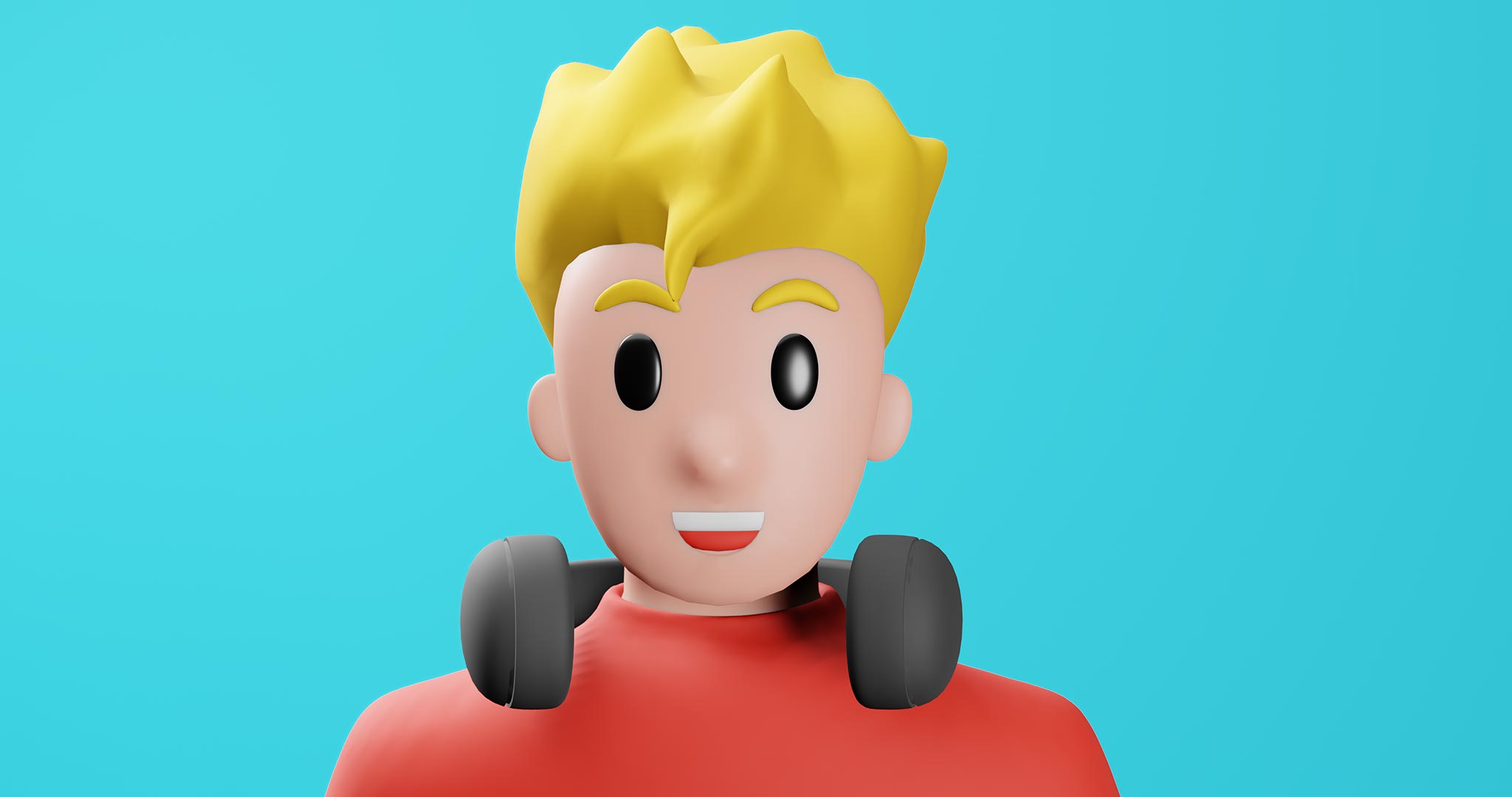
To complement the 3D mascot that would live primarily within the mobile app, I was tasked with making a few low-poly models as default characters and props to use in modals and other miscellaneous areas.









In-App Usage
The work shown above was implemented in a modal that shows up in the First-Time User Experience (FTUE).
Below this section, I’ve organized a bit of my video production and motion graphics work. Motion Graphics and VFX were a huge part of my role as a UX/UI Designer at Triller. I had the privilege of animating several tutorials that showcased the app’s features. My skills grew over three years, thanks to valuable feedback from my team of fellow designers and the project manager, for which I’m deeply grateful.
After Effects and Blender are my go-to tools for completing projects like these. I animated several quick tutorials that lived on the company website during my time there.
Below, I’ve included five of my favorites:
Motion Graphics
To produce the intro to the video below, I first developed the 3D model of Trillion (the flying robot) and its environment in Blender after an intense iterative design process with a cross-functional team. Then, I set up a basic skeleton to easily control the robot’s movements and poses. Once that got rendered, I superimposed it onto an Adobe After Effects composition where I created warp drive effects. Our VFX Supervisor, Shadrak Guichard-Foster, communicated the necessary changes following animation principles via Frame.io to help produce a more polished end product.
The remainder of the video showcases the latest voiceover feature in the mobile app for users to edit their content.
Below, you’ll find more “How To” motion graphics I made for the Triller mobile app.
The Process – Animating Trillion
Full “How to Use Voiceover” Video
Augmented Reality Experimentation
When Trillion was still “young” as a concept, I wondered about the possibilities of getting it into our filters as a friendly augmented reality (AR) companion. I thought it might be a fun way to keep users familiar and engaged with the branded mascot. So, with my Project Manager’s permission, I ran a test in my home office while working remotely (please forgive the mess in the video), though the concept wasn’t used during my time there.
*Small Correction: Video says 2024, but I drafted this in 2022.
“How To” App Tutorials – Motion Graphics
Triller had a webpage with FAQs (Frequently Asked Questions) and new features that needed animated explainers during my time there. I was tasked with utilizing my UI design and motion graphics skills in Figma and Adobe After Effects to create a series of short tutorial videos highlighting these new features and how to use them on mobile.